


Most Requested Forms
Find forms and instructions for requesting transcripts, updating student information, and more. The forms you need are just a click away.
The Records Office provides two options for submitting transcript and records requests.
Online Forms (Dynamic Forms)
Online forms provide a fast, convenient, and secure way to submit requests. Online forms are submitted through Dynamic Forms.
- Students may log in using their MyGateway credentials.
- Students who are unable to log in with MyGateway may create a Dynamic Forms account and submit their request, along with uploading a valid government-issued photo ID, with the form.
Downloadable Forms
Downloadable PDF forms are available for students who are unable to submit requests online.
If you need help or have questions, you can visit the main Records Office page or contact the Records Office at (714) 992‑9500.
- Online Forms
-
Downloadable Forms
Please be advised that all downloadable forms must be submitted using one of the following methods:
-
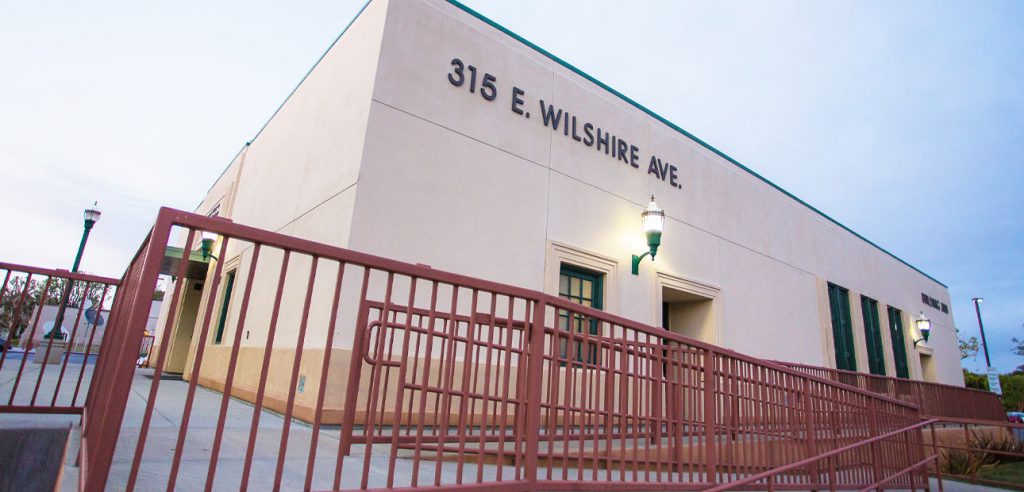
Mail: Send the completed forms to: 315 E Wilshire Ave, Fullerton, CA 92832
-
In-Person: Drop off forms in-person at any of the three NOCE centers.
-
Fax: Fax the completed forms to (714) 992-9599.
Please note that forms submitted via email will not be accepted.
For All Students:
- Transcript/Records Request Form
- Enrollment/Attendance Verification Request Form
- Grade Appeal Request Form
- Program Change Form
- Refund Request Form
- Student Information Change Form
- Third Party Release Form for Records Pick-up
- Grade Appeal Form
- Special Admit Authorization
- Program Change Form
For Medical Assistant & Pharmacy Technician Students:
-